- Wireframing brings clarity to product ideas before design and development decisions lock in.
- Different wireframe types serve different stages, from early thinking to validation and testing.
- Strong wireframes focus on structure, flow, and usability, not visual polish.
What Is Wireframing? A Practical Guide
Published on: 5 March 2026
Last updated on: 15 June 2026
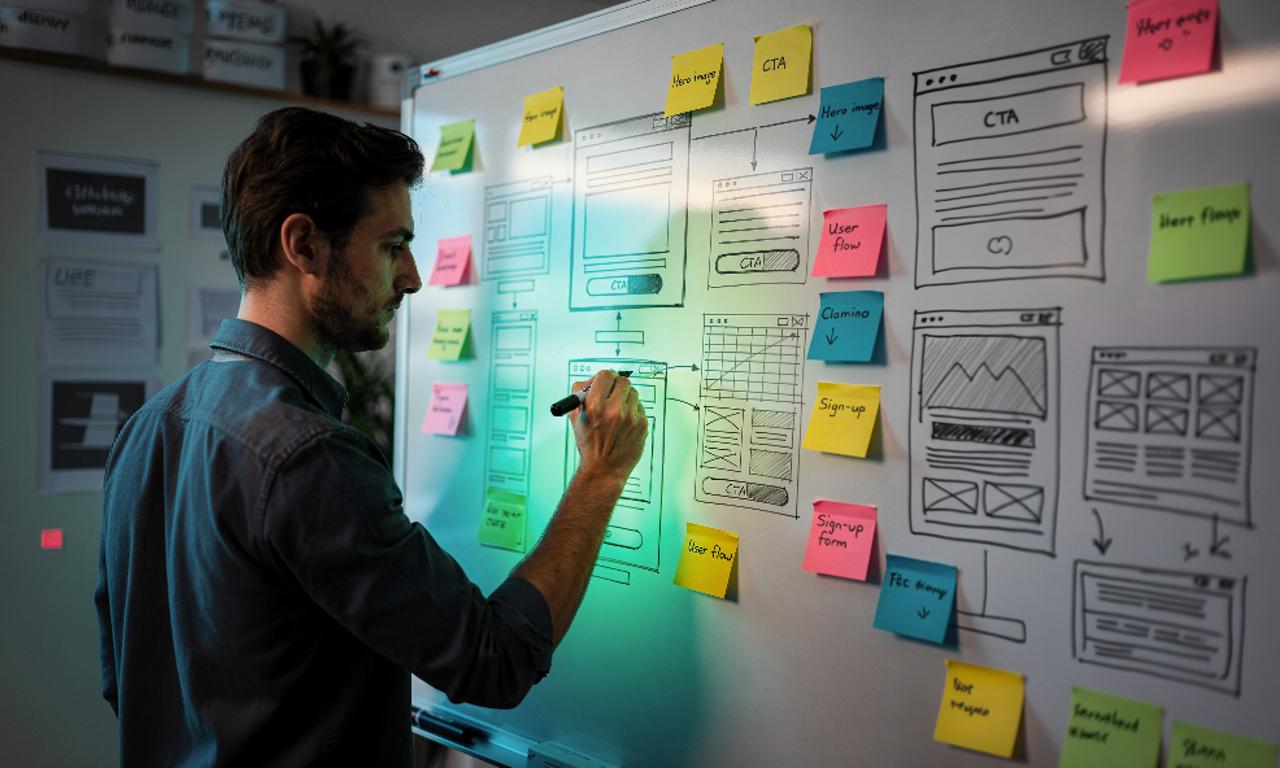
You’ve probably seen this happen. A product moves fast. Screens get designed quickly. Development starts. And then…
Small questions turn into big rework:
1. Where does this button actually go?
2. Why is this flow confusing users?
3. Did we agree on this layout?
If you’ve ever been part of a product team, you’ve felt this friction. Here’s the uncomfortable truth: most of these issues don’t come from bad design or bad development. They come from skipping clarity early. That’s where wireframing quietly does its job. Not as a design trend. Not as a deliverable to impress clients. But as a thinking tool that saves time, money, and trust.
Let’s break it down in a way that works whether you’re just starting out, managing products, or designing at scale.
What Wireframing Really Solves
Before getting technical, let’s talk about value.
Wireframing helps teams:
- Align before opinions harden
- Test ideas without expensive design work
- Catch usability issues while they’re still cheap to fix
- Communicate clearly across design, product, and engineering
It also has downsides:
- It can slow teams down if overdone
- It’s easy to mistake wireframes for “final thinking”
- Some teams misuse them as documentation instead of exploration
The future of wireframing isn’t about drawing boxes. It’s about thinking clearly before committing, especially in remote, fast-moving teams. Now, let’s define it properly.
What Is a Wireframe?
A wireframe is a low-visual blueprint of a digital product that shows structure, layout, and flow without focusing on colors, fonts, or visual polish.
Think of it like this: If your product were a building, the wireframe would be the floor plan, not the interior design.
Example
Imagine you’re designing a SaaS dashboard.
A wireframe would show:
- Where navigation lives
- Where key data blocks appear
- How users move between sections
It would not decide:
- Brand colors
- Typography
- Visual style
That separation is intentional. It keeps conversations focused on usability and logic first.
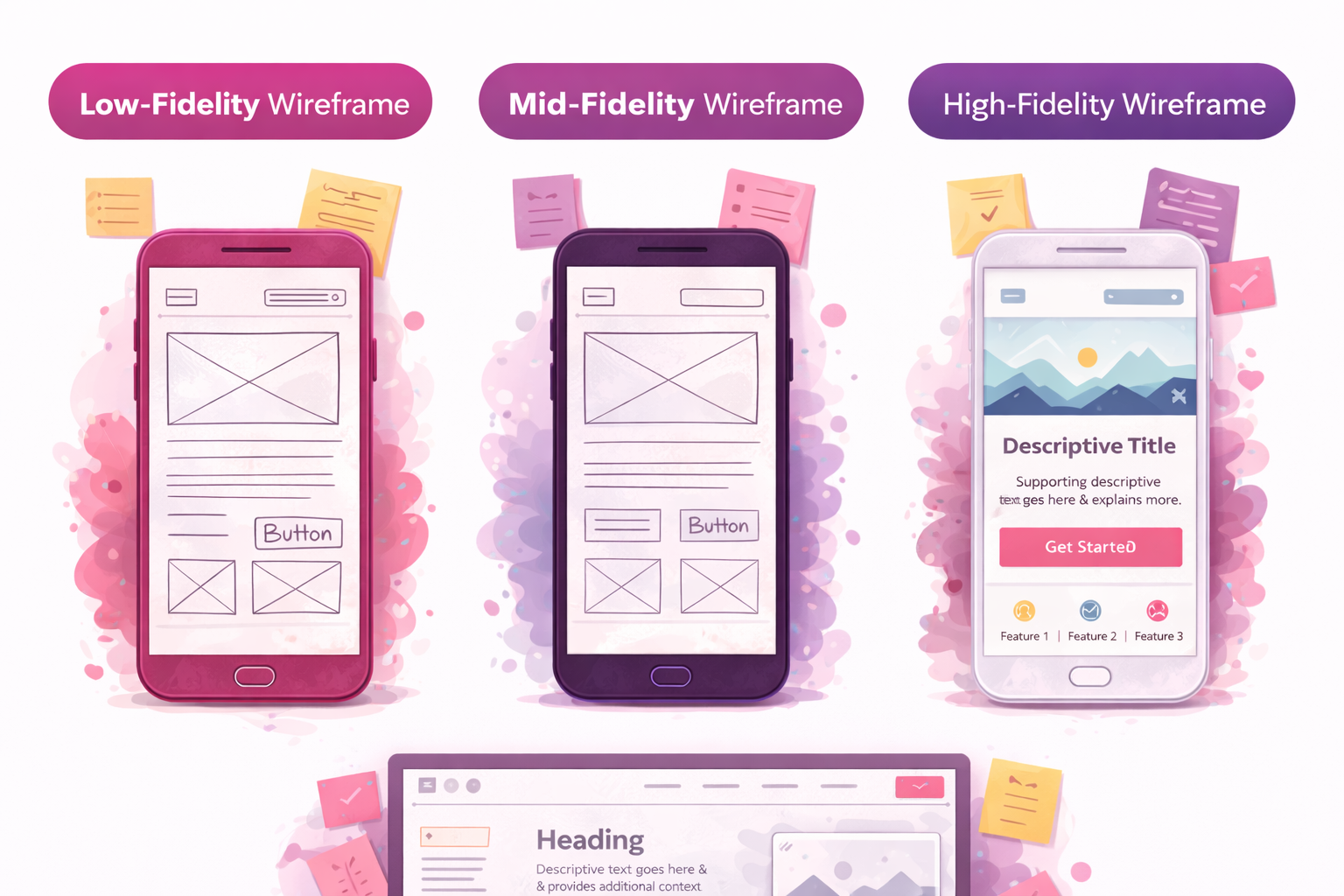
Types of Wireframes
Not all wireframes serve the same purpose. Choosing the wrong type at the wrong time is where teams struggle.
Low-Fidelity Wireframes
Best for: early thinking, brainstorming, alignment
- Rough sketches or simple shapes
- Fast to create and change
- Ideal when ideas are still fluid
Use when: You’re answering What should exist? Not, how should it look?
Mid-Fidelity Wireframes
Best for: structure validation, user flow discussion
- Clear spacing and hierarchy
- Basic components and labels
- Still neutral visually
Use when: You’re refining flows and interactions but not branding yet.
High-Fidelity Wireframes
Best for: testing, stakeholder approval, handoff clarity
- Detailed layouts
- Often clickable
- Close to final UI behavior
Use when: You need confidence before development or user testing.
Quick Comparison
| Type | Speed | Detail | Best Stage |
| Low | Very fast | Minimal | Ideation |
| Mid | Moderate | Structured | Validation |
| High | Slower | Detailed | Testing & approval |
Experienced teams don’t always go through all three. They choose what reduces risk the fastest.
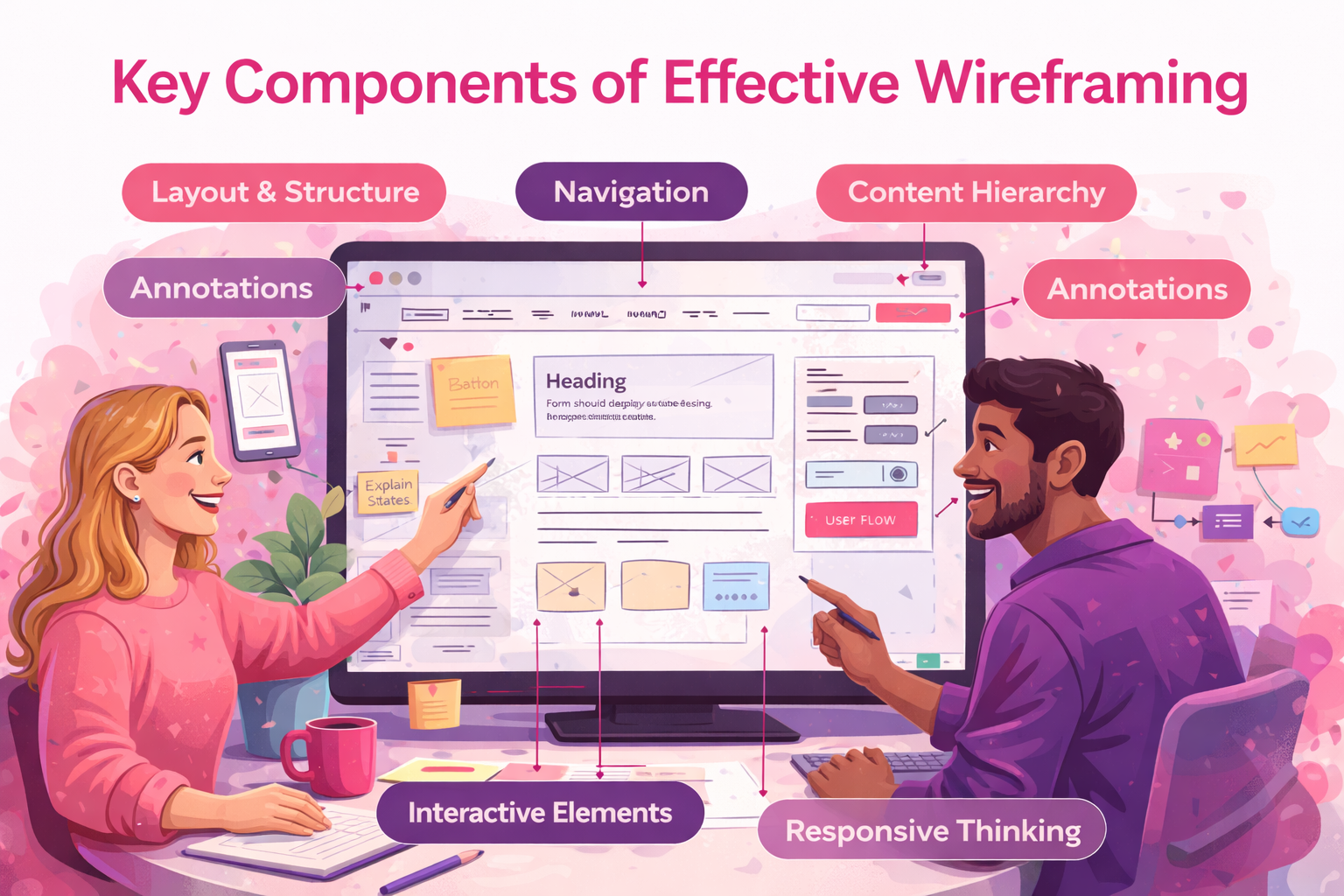
Key Components of Effective Wireframing
Strong wireframes aren’t about artistry. They’re about clarity. Here’s what actually matters.
1. Layout & Structure
Defines how information is organized and scanned. A good layout guides attention without explanation.
2. Navigation
Menus, links, and paths between screens. If users can’t move intuitively, visuals won’t save it.
3. Content Hierarchy
What’s primary vs secondary?
This answers: What should users notice first?
4. Interactive Elements
Buttons, forms, toggles, states. Even static wireframes should show intent.
5. Annotations
Short notes explaining behavior or decisions. This is where wireframes become a communication tool, not just a sketch.
6. Responsive Thinking
Desktop, tablet, mobile. Wireframes should adapt, not just resize.
7. User Flow
How users complete real tasks, not ideal ones. This is where usability problems reveal themselves early.
According to Jakob Nielsen,
Usability issues found early cost a fraction of what they do post-development. Wireframes are one of the cheapest ways to surface them.
How to Create a Wireframe
Wireframing doesn’t require perfection. It requires intent.
Step 1: Define the goal
What problem is this screen solving?
Step 2: Map the structure
Pages, sections, and relationships.
Step 3: Keep visuals neutral
Grayscale. No branding. No decoration.
Step 4: Design for the main device first
Desktop-first or mobile-first, based on real usage.
Step 5: Validate flows, not aesthetics
Can users complete tasks logically?
Step 6: Share early
Feedback now beats fixes later.
Step 7: Iterate
Wireframes are meant to change.
The biggest mistake teams make?
Trying to make wireframes presentation-ready.
They’re thinking tools, not sales decks.
Why Wireframing Still Matters in UI/UX
With tools like Figma and AI-assisted design, some teams ask if wireframing is still needed.
Short answer: yes.
Long answer: It depends on how you use it.
Wireframing helps:
- Align cross-functional teams
- Speed up decision-making
- Reduce rework
- Keep products user-centered
It fails when:
- Treated as documentation
- Over-polished too early
- Used without user context
Great teams use wireframes to think together, not to slow things down.
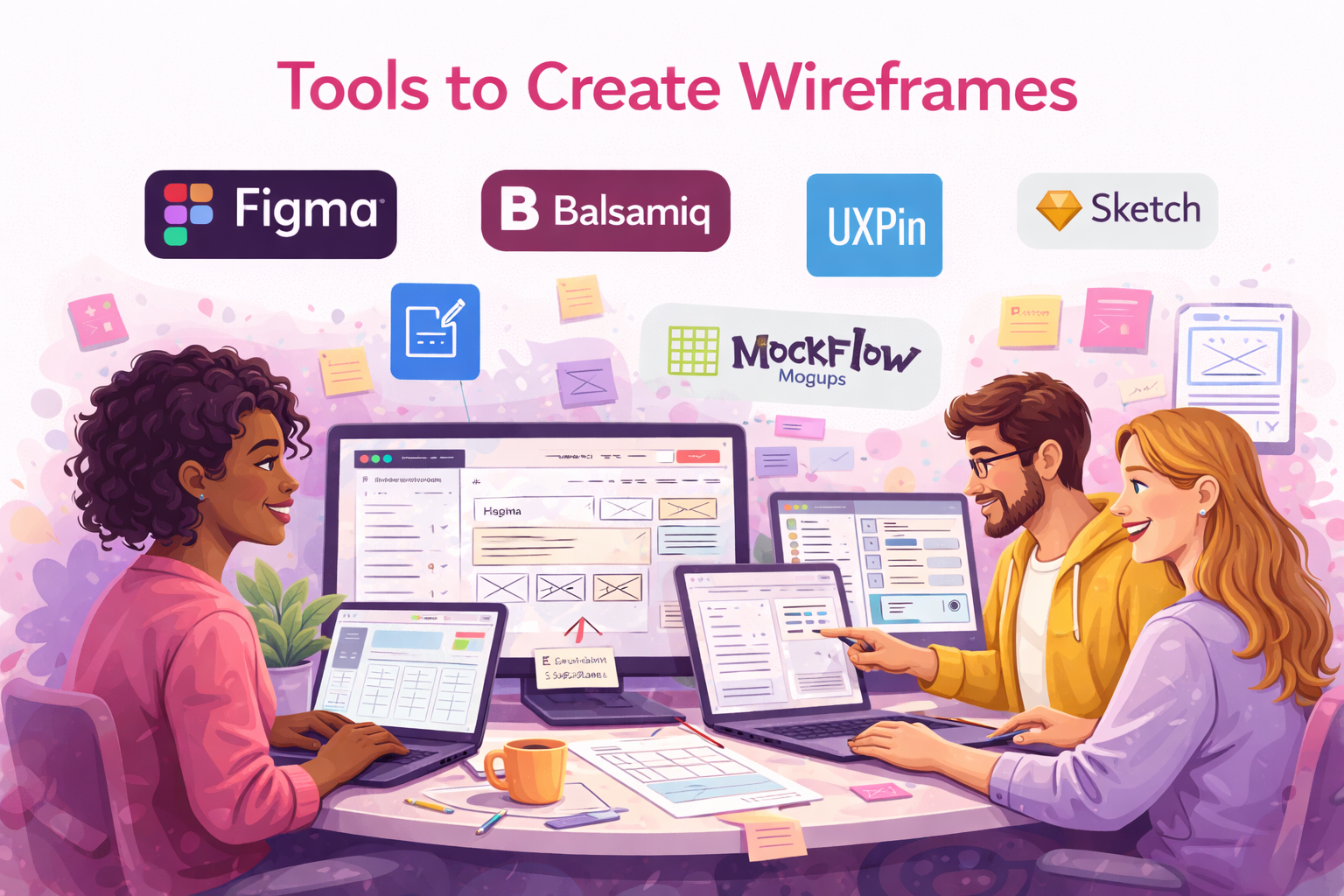
Tools to Create Wireframes
Different tools fit different stages.
- Figma – Collaboration-first, flexible, industry standard
- Balsamiq – Fast, low-fidelity thinking
- UXPin – Interactive flows and logic-heavy products
- Sketch – Precision-focused UI teams
- MockFlow / Moqups – Lightweight planning and structure
The tool matters less than the thinking behind it.
Wireframing vs Prototyping
Wireframing answers:
What should exist, and how does it flow?
Prototyping answers:
How does it feel and behave?
Wireframes are about structure. Prototypes are about experience. Most successful teams use both, in the right order.
Final Thoughts
Wireframing isn’t about boxes and lines. It’s about thinking clearly before committing. Whether you’re a beginner learning UX basics, a product manager reducing risk, or an experienced designer refining flows, wireframes give you one powerful advantage: shared understanding. And in product teams, clarity beats speed every time.
If you’re building digital products and want structure without rigidity, wireframing is still one of the smartest places to start.
At Mediusware, we apply this same thinking across our branding and product design services using wireframing as a foundation to shape clear user experiences, consistent brand systems, and scalable digital products.
Frequently Asked Questions
Wireframing is the process of outlining a website or app before visual design begins. It focuses on structure, layout, and user flow so teams can agree on how things should work before committing to design or development.

I work with founders and leadership teams when growth moves faster than their systems, teams, or decisions. I’ve led 850+ projects for 750+ clients across 20+ countries, working across 100+ technologies and counting. I care about ownership, clarity, and building things that last beyond the launch.
Featureblogs
Relatedblogs
Authorblogs
01
How to Choose an API Development Company for Your SaaS Product02
Why Software Companies Are Turning to Strategic Partnerships for Faster Growth03
Your SaaS Isn’t Slow Because of Developers It’s a Scaling Problem04
Why Some SaaS Companies Scale Faster Than Others05
AI vs Hiring: When Should SaaS Teams Automate Instead of Hiring?