
Transforming Real Estate with Greenify
DevelopmentDesign
Industry
Cybersecurity / Enterprise SaaS
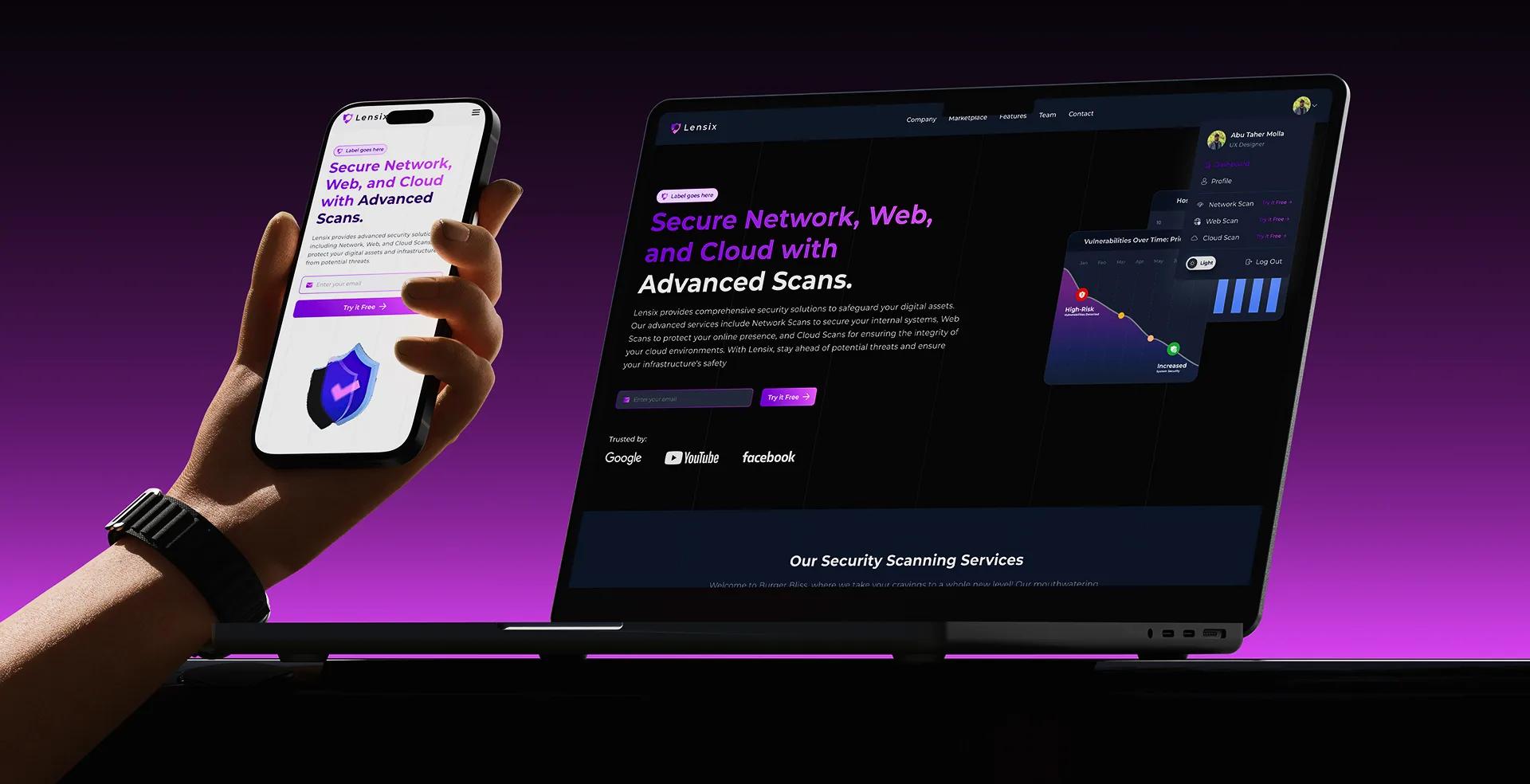
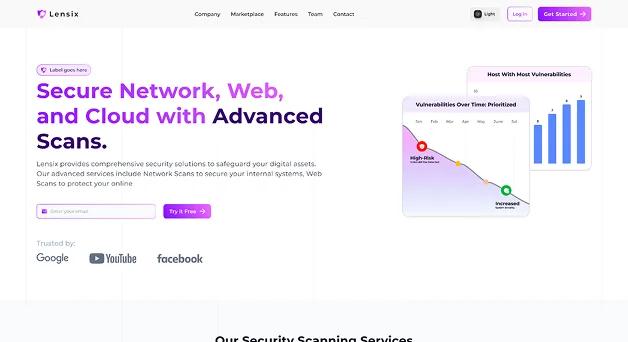
Lensix helps organizations identify vulnerabilities across digital infrastructure through three focused security services: Network Scan, Web Scan, and Cloud Scan.
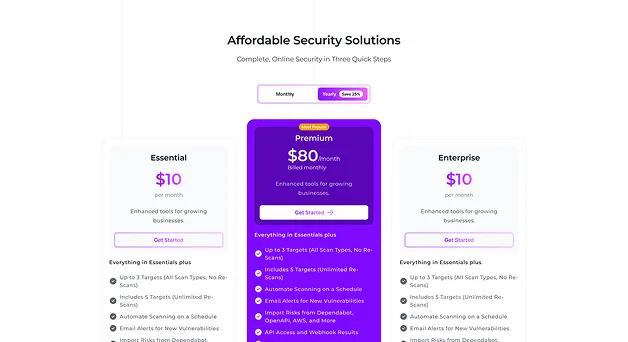
The website presents these capabilities within one clear product ecosystem, helping security teams understand available services, compare plans, review the scanning workflow, and begin a security assessment with less friction.
The experience was designed to make sophisticated cybersecurity services feel credible, understandable, and accessible to both technical teams and business decision-makers.
Business impact
Lensix helps organizations strengthen their cybersecurity posture through unified network, web, and cloud scanning. Automated assessments, centralized findings, and actionable reporting reduce manual effort while helping security teams identify risks earlier and respond with greater confidence.
Faster Vulnerability Detection
Reliable Platform Availability
Continuous Risk Visibility
Objective
The objective was to design a conversion-focused cybersecurity website that simplifies service discovery while maintaining the credibility expected by enterprise buyers.
Present Network Scan, Web Scan, and Cloud Scan as connected services within one cybersecurity ecosystem.
Use clear benefits, customer proof, guided explanations, pricing transparency, and frequently asked questions to reduce uncertainty.
Guide visitors from understanding the platform to choosing a plan, starting a trial, or contacting the Lensix team.
Challenges
The experience needed to present technical cybersecurity capabilities in a format that remained clear for different audiences.
Network, web, and cloud scans solve different problems, making it difficult to explain the complete platform without creating information overload.
Security professionals require enough detail to evaluate credibility, while business stakeholders need understandable outcomes and commercial value.
Prospective customers needed confidence in platform reliability, supported environments, automation, reporting, pricing, and ongoing support before starting.
Through workflow analysis, competitor benchmarking, and stakeholder collaboration, we identified opportunities to simplify vulnerability management without reducing functionality. Our focus was creating an experience that helps security professionals find, understand, and resolve risks faster while minimizing operational complexity.
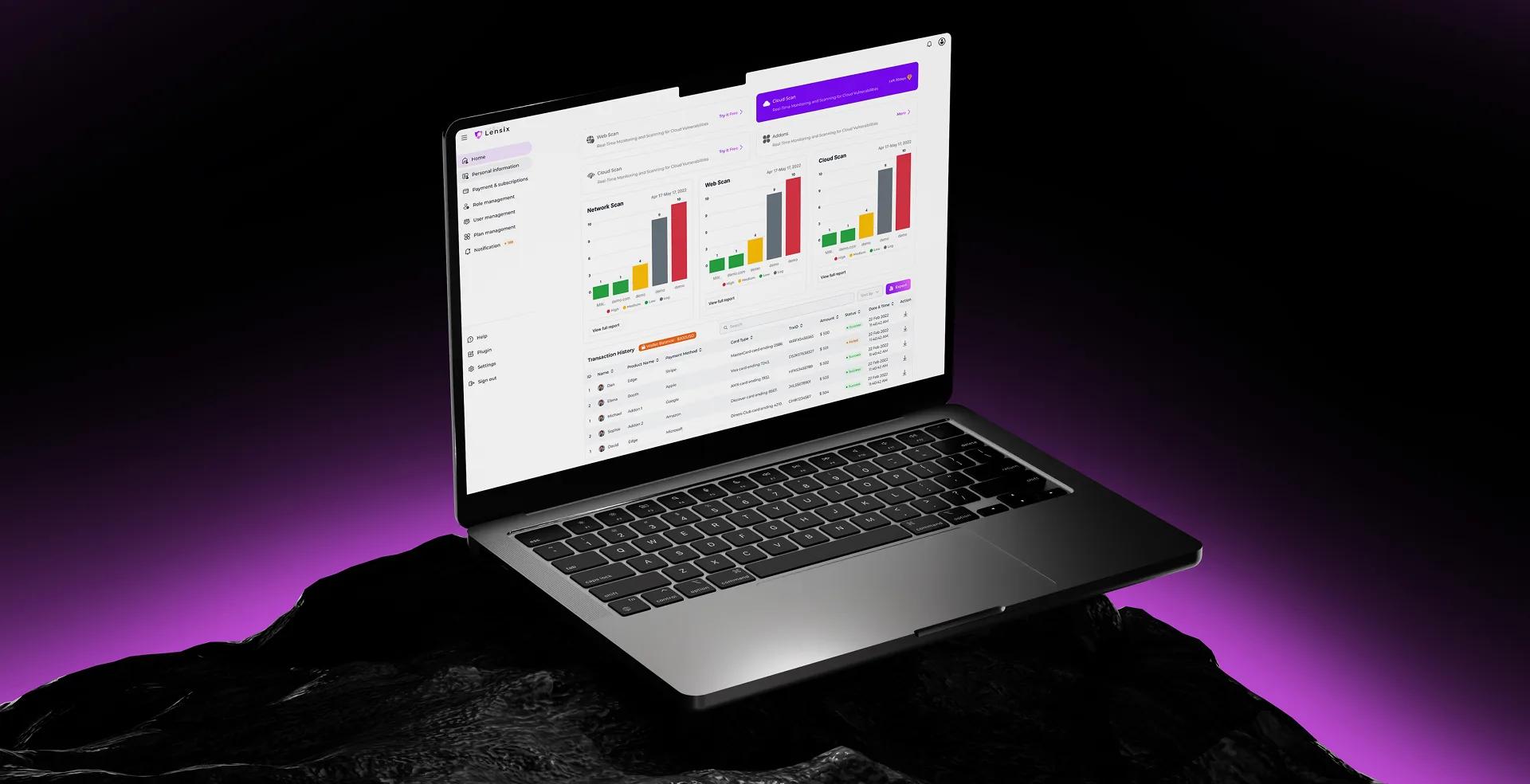
Research & Discovery
We analyzed existing vulnerability management workflows to understand how enterprise security professionals investigate threats, monitor assets, and collaborate during remediation.
Our research focused on reducing cognitive overload while improving speed, clarity, and confidence across every security workflow.
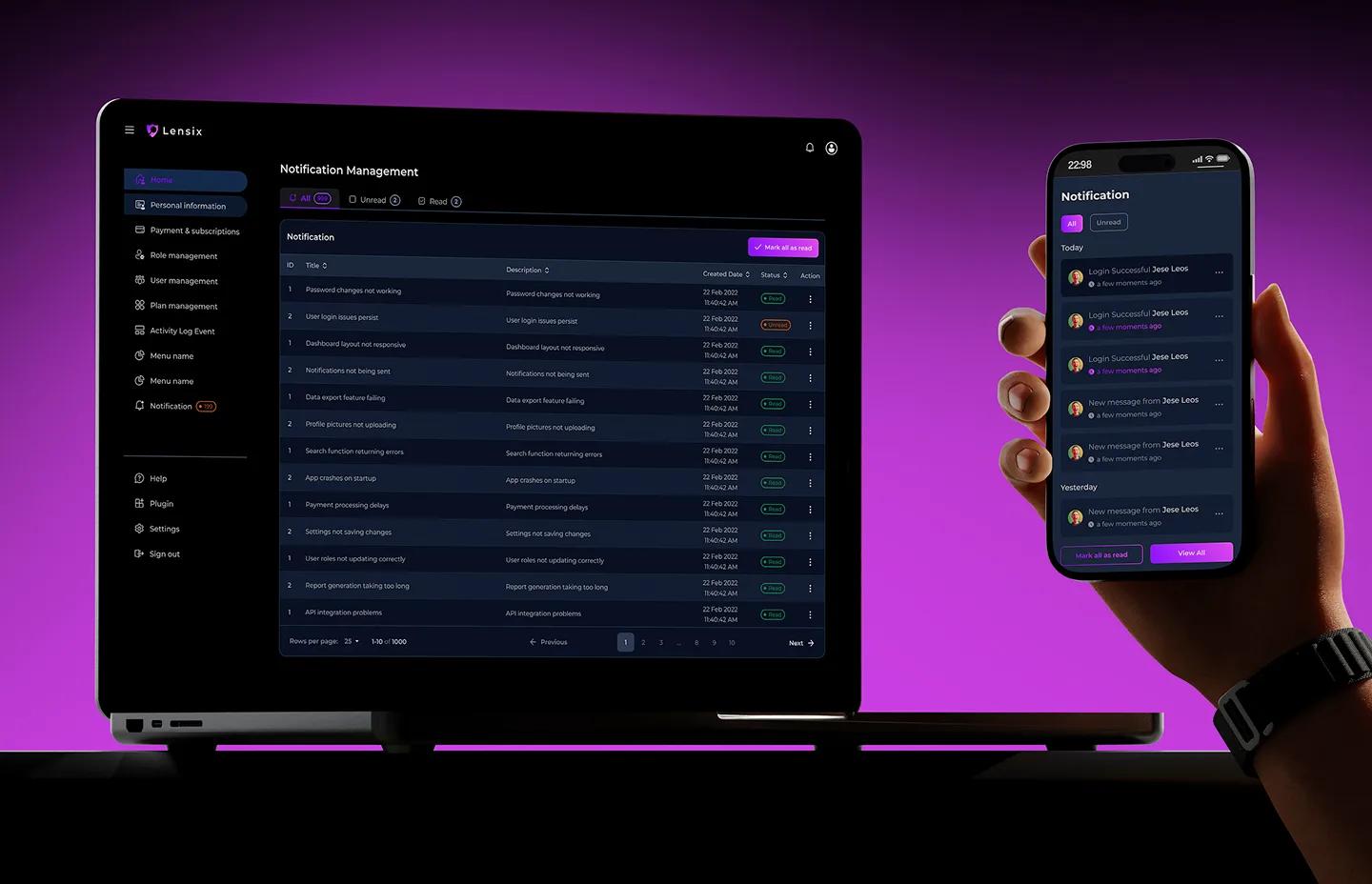
Feature
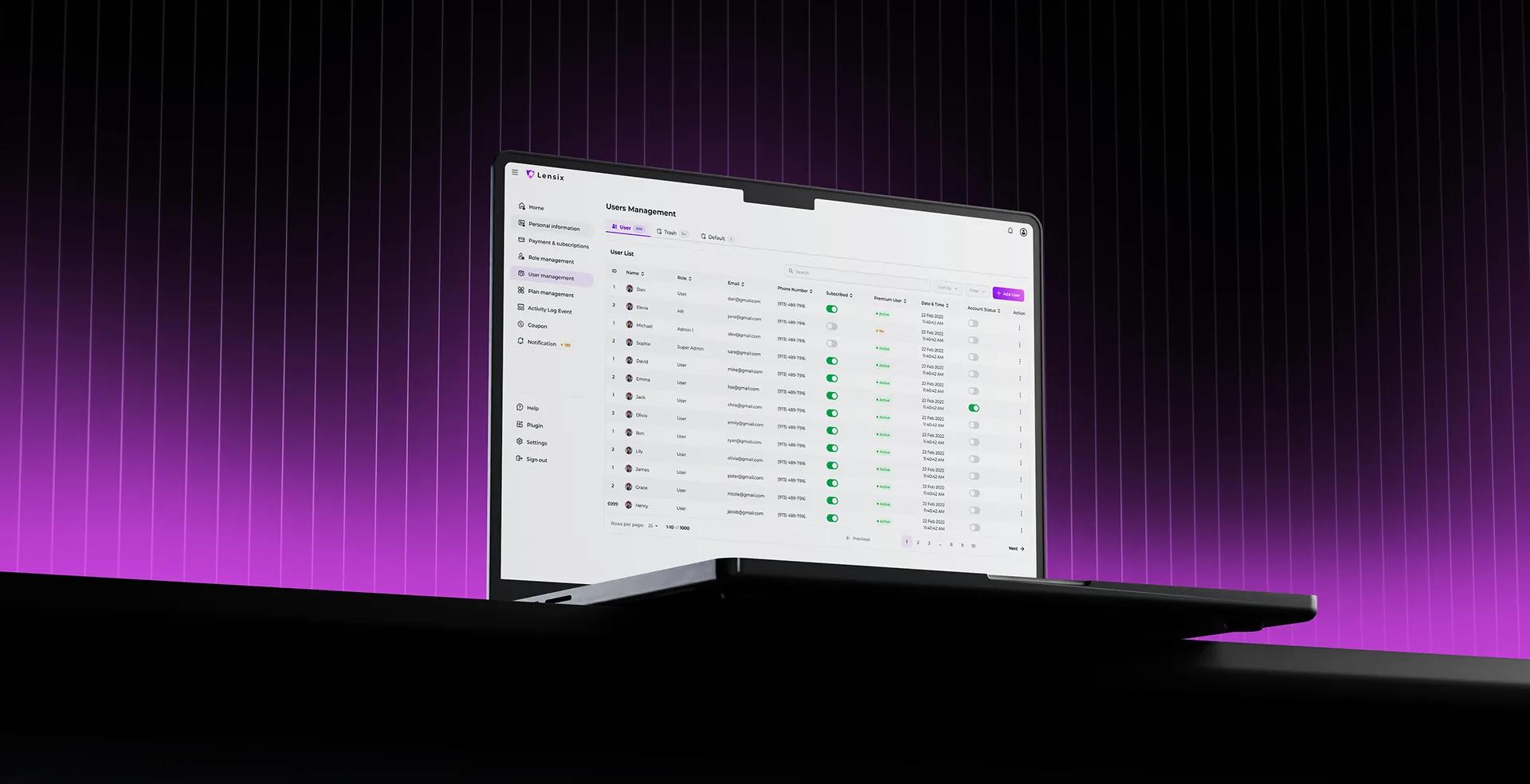
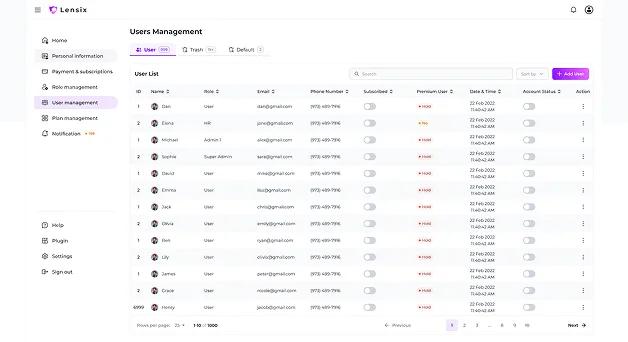
The User Management experience gives Lensix administrators one place to review and control every platform account. Admins can search, sort, and filter users while monitoring roles, contact information, subscription status, premium access, account activity, and invitation state.
Clear table controls and quick actions make it easier to add users, update permissions, manage account access, and maintain accurate records across growing security teams.
Security findings are automatically organized by severity, CVSS score, affected assets, and business impact, enabling analysts to focus on the most critical vulnerabilities first.
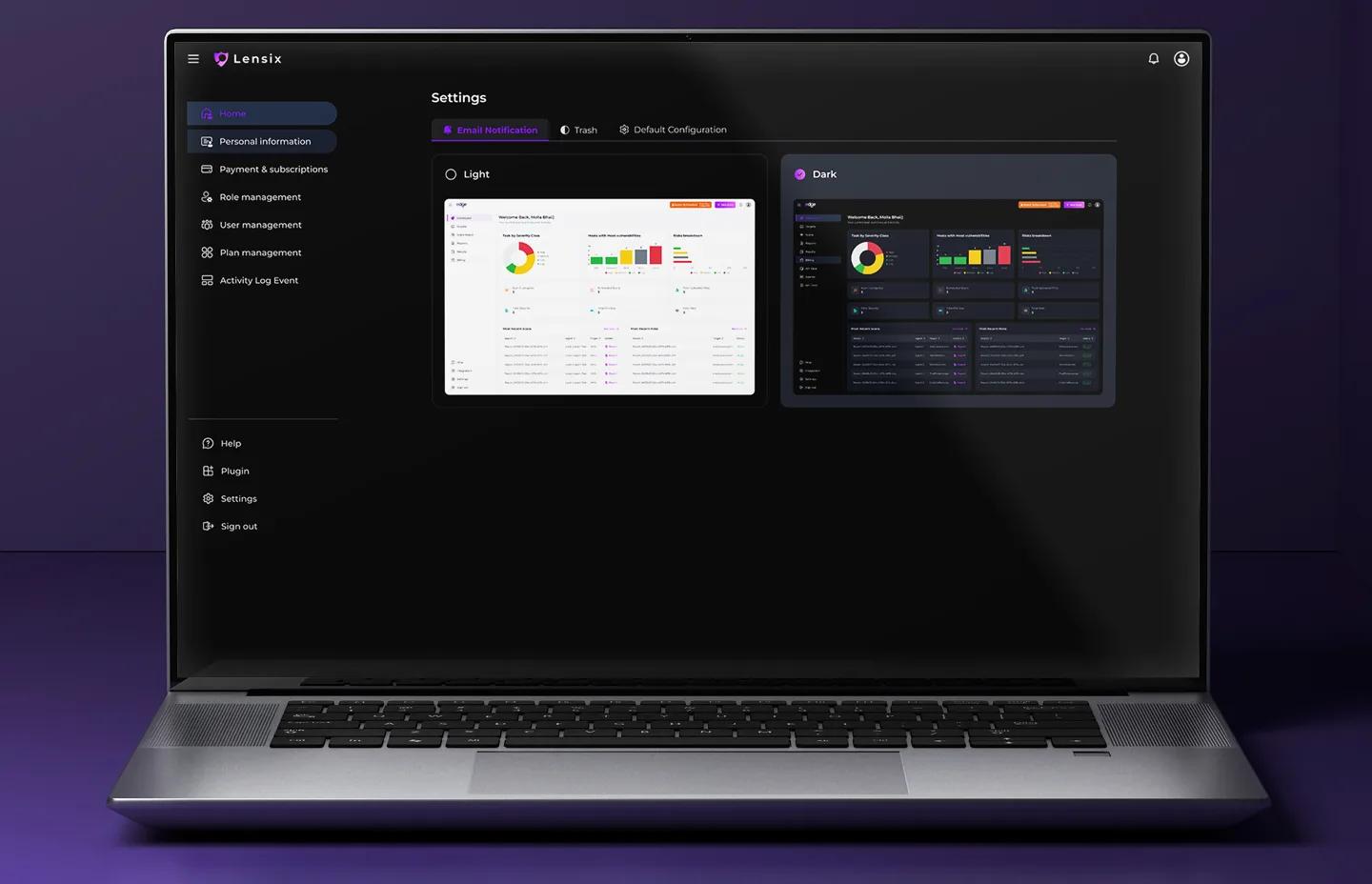
Recurring scans, scheduled reports, and streamlined management workflows reduce repetitive manual work, allowing security teams to spend more time on remediation and strategic initiatives.
Mobile screen or responsive
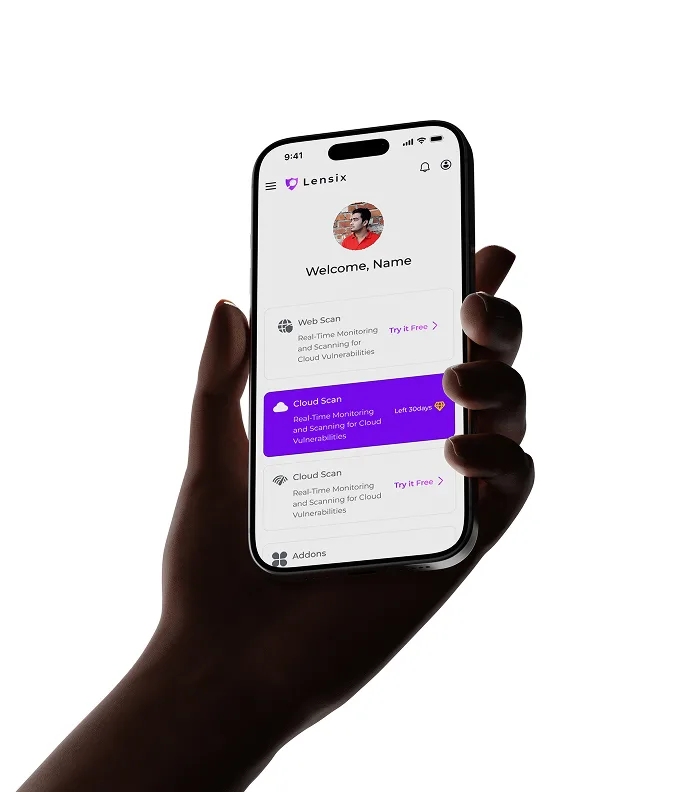
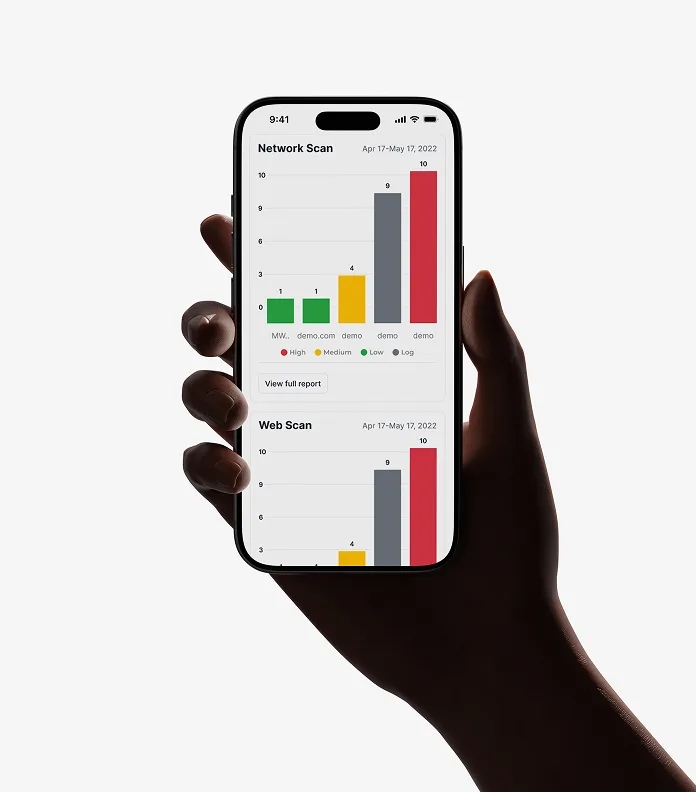
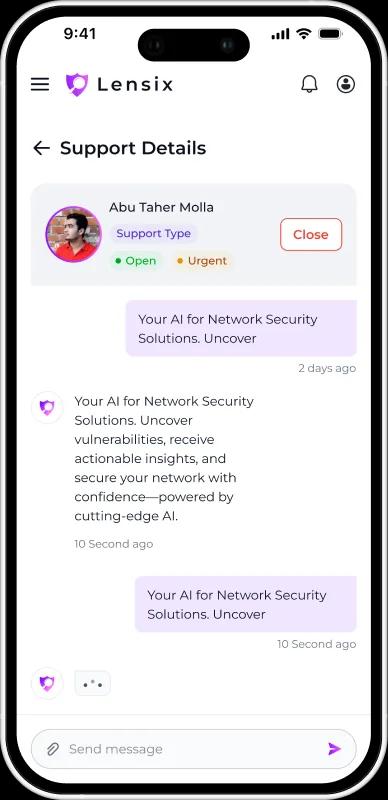
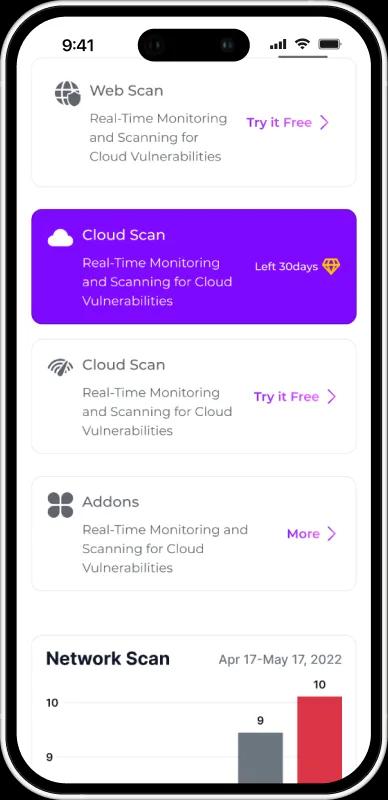
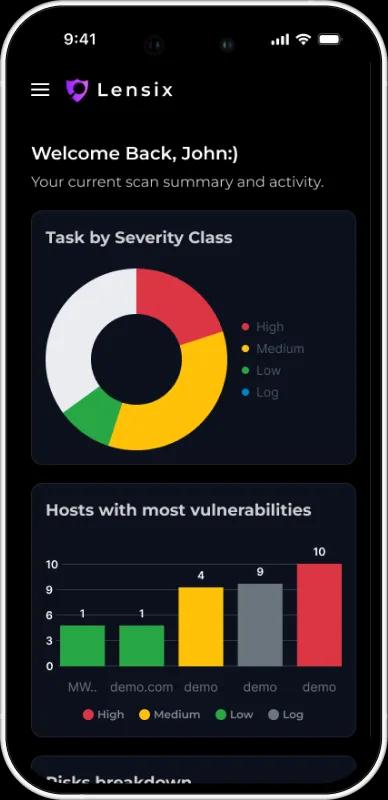
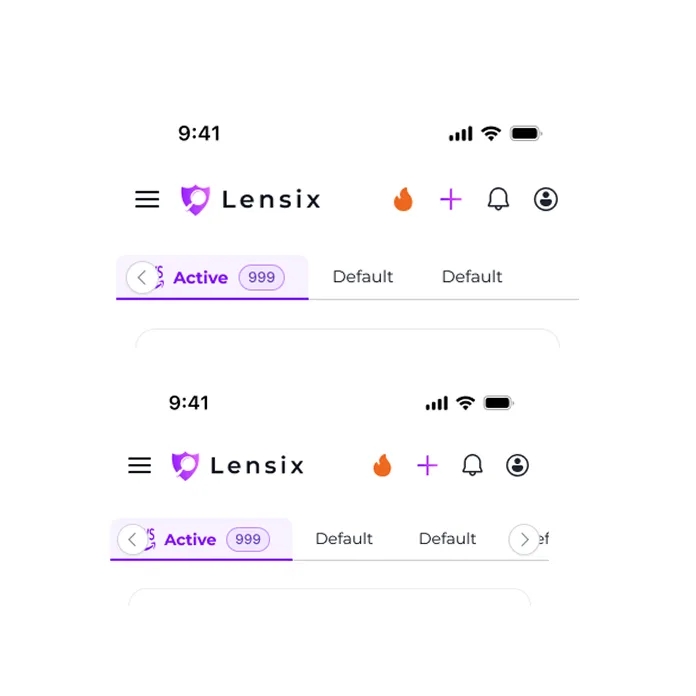
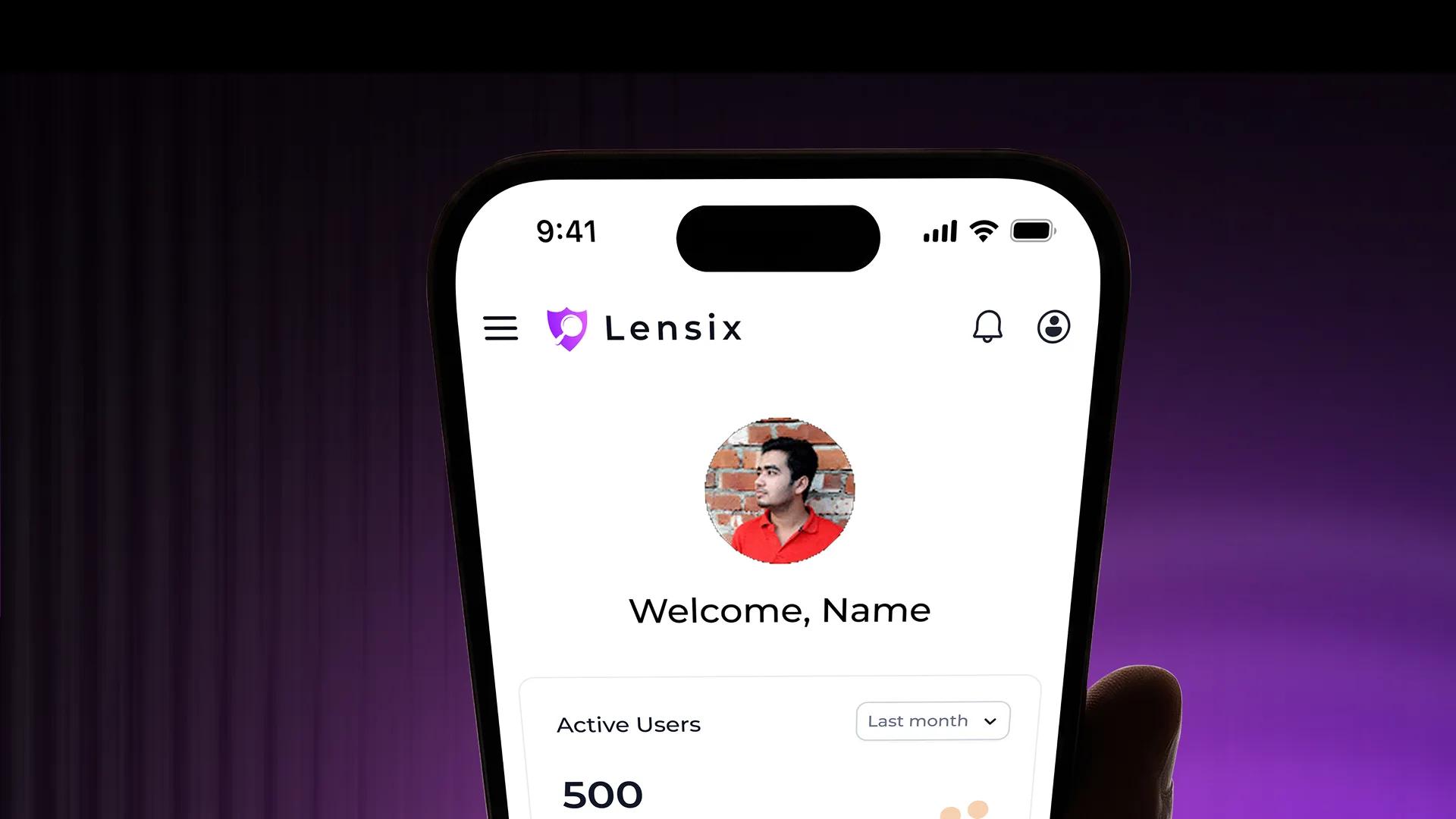
Lensix gives security teams responsive access to web and network security workflows across mobile devices. Users can review vulnerability summaries, compare risk severity, explore available scan services, monitor high-risk hosts, and access support conversations without relying on a desktop. The mobile experience keeps critical security data clear and actionable through focused cards, readable charts, simplified navigation, and touch-friendly controls. This helps teams stay informed, communicate with support, and respond to emerging risks wherever they are.
Branding
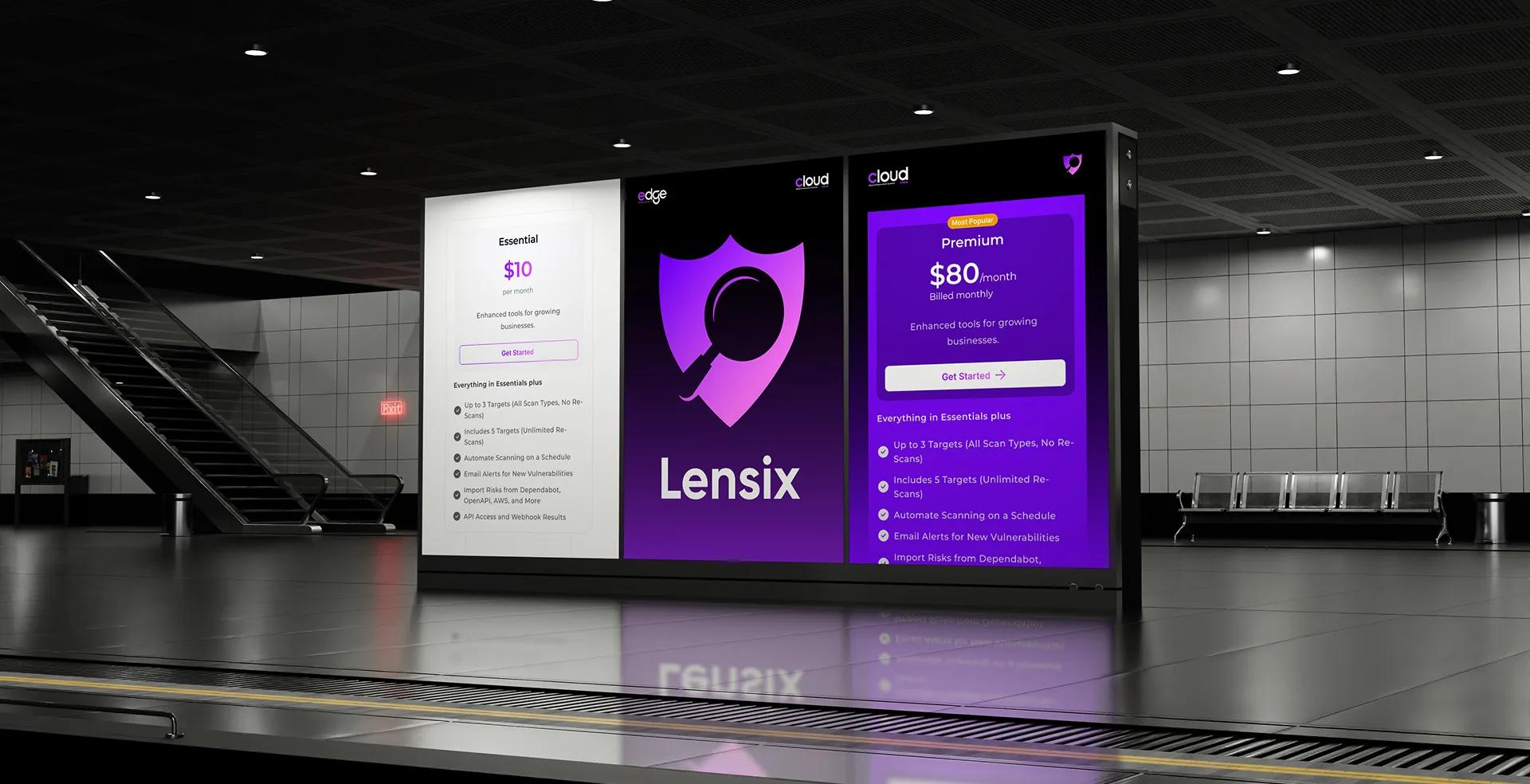
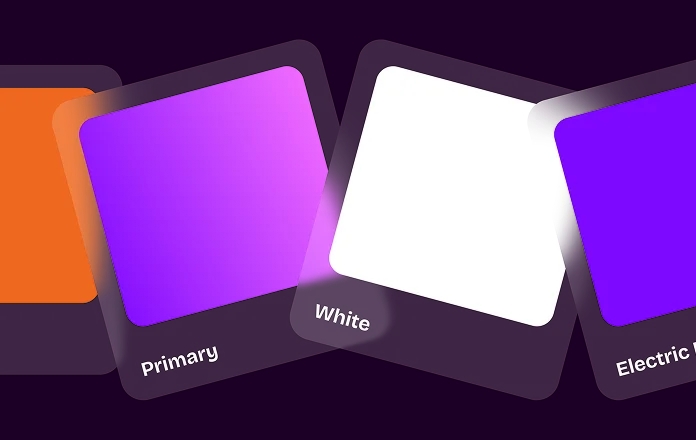
The Lensix brand reflects precision, protection, and reliability. A clean visual identity paired with a dark enterprise interface reinforces confidence while creating a consistent experience across every touchpoint, from product screens to marketing assets.


Key Features
A complete vulnerability management ecosystem designed to simplify security operations, improve visibility, and accelerate remediation.
Identify vulnerabilities across networks, cloud infrastructure, and connected assets through scheduled and on-demand security assessments.
Use intelligent recommendations to understand vulnerabilities, prioritize remediation, and reduce investigation time with contextual insights.
Generate structured, audit-ready reports with executive summaries, vulnerability details, compliance status, and exportable documentation.
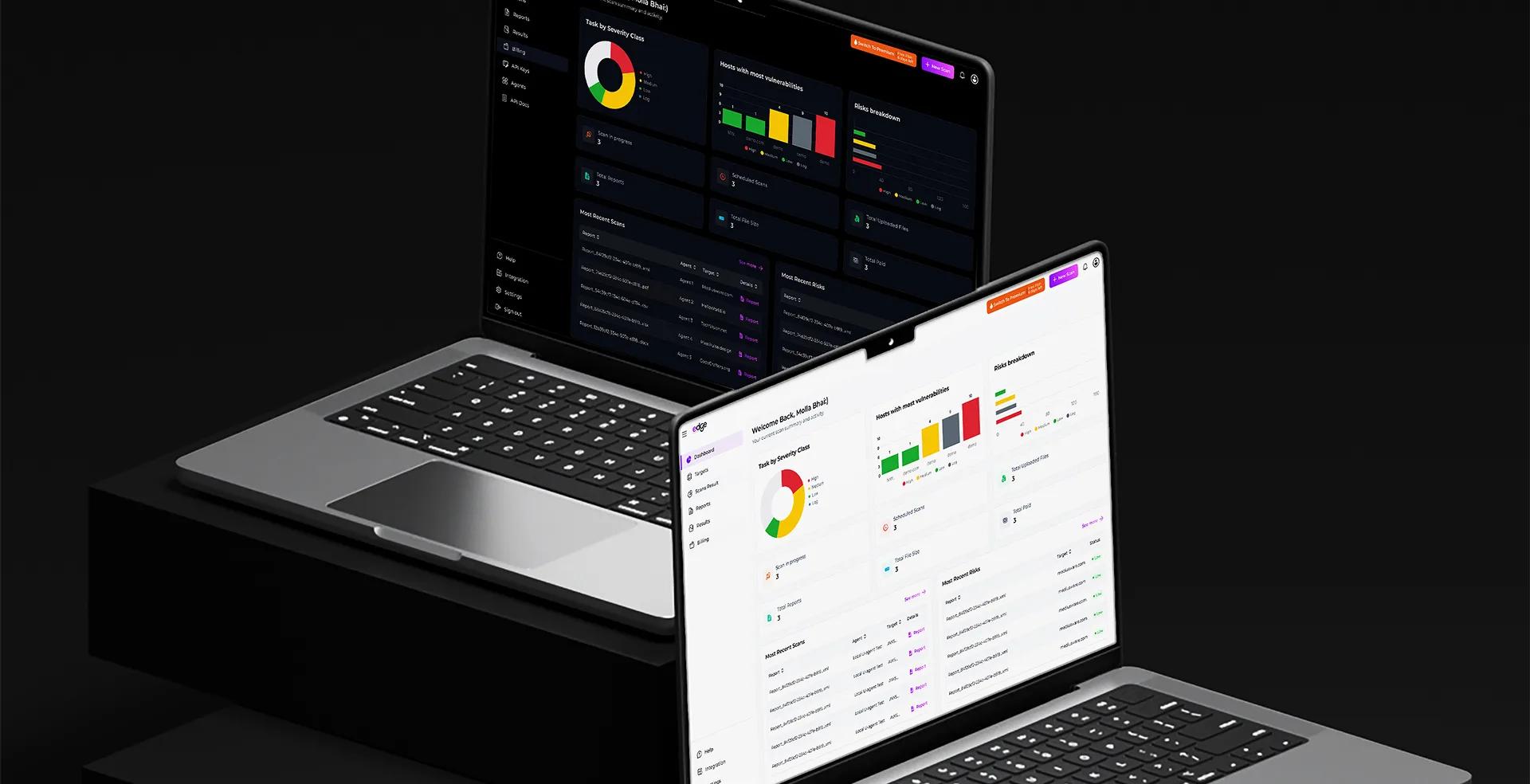
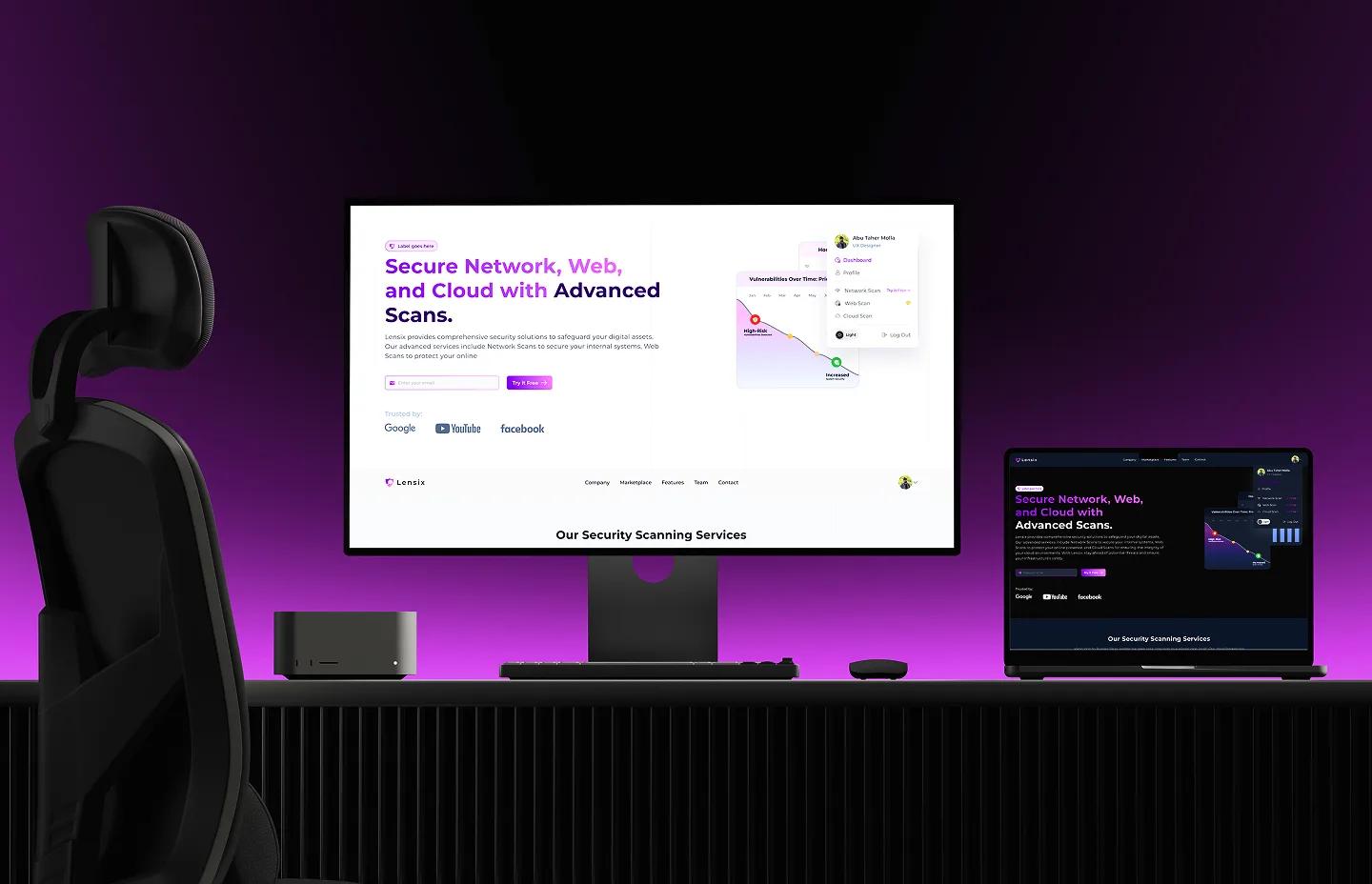
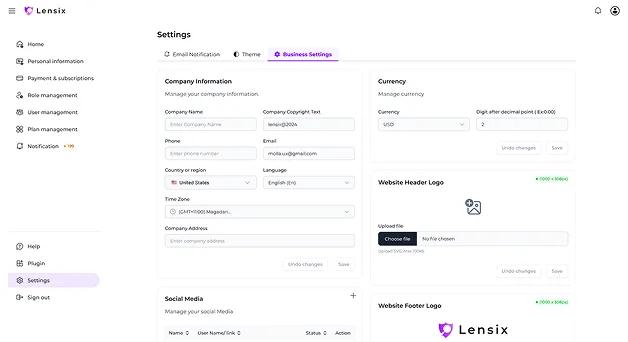
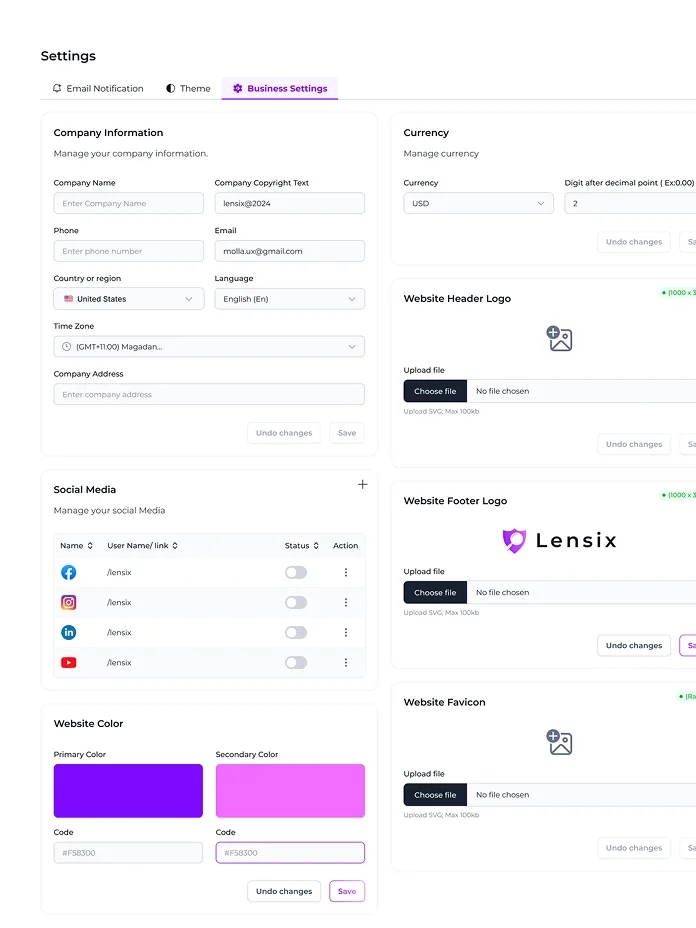
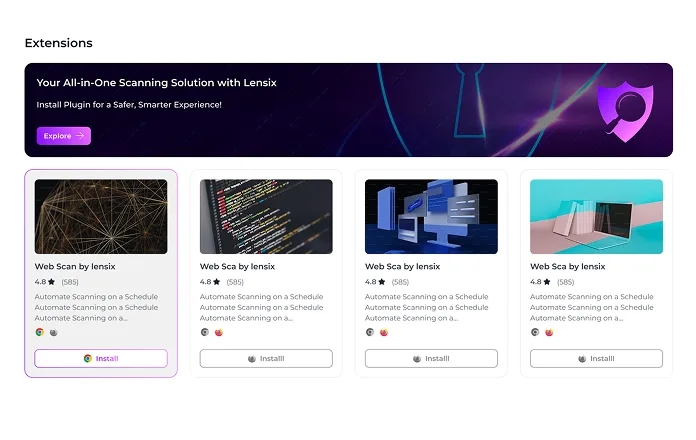
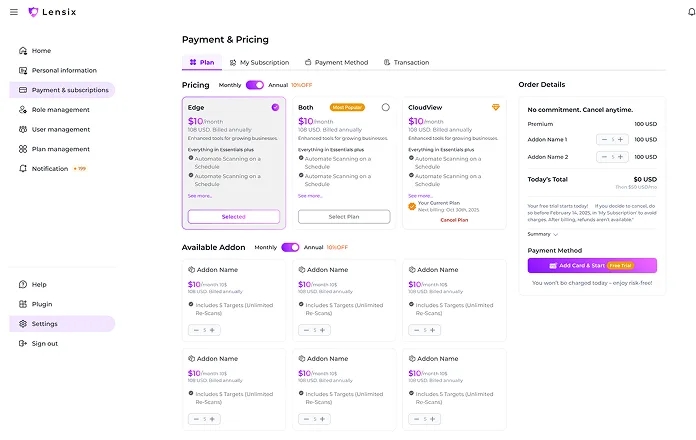
The Lensix desktop experience is designed for enterprise teams managing large volumes of users, scans, vulnerabilities, plans, reports, and support activity. Spacious data tables, advanced filters, role-based navigation, analytics dashboards, and structured settings help security professionals work across complex environments without losing visibility. A consistent interface across scanning, user management, pricing, configuration, reporting, and support workflows reduces operational friction while helping teams review information faster, coordinate actions, and scale security management with confidence.
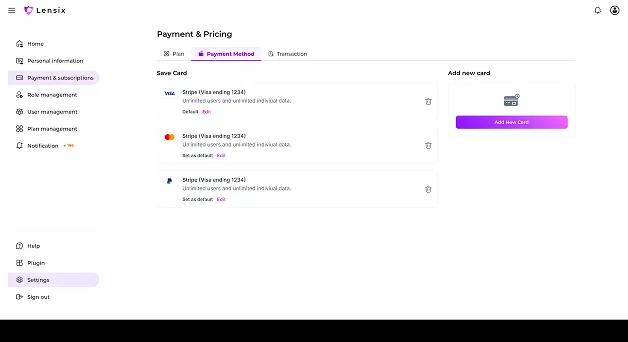
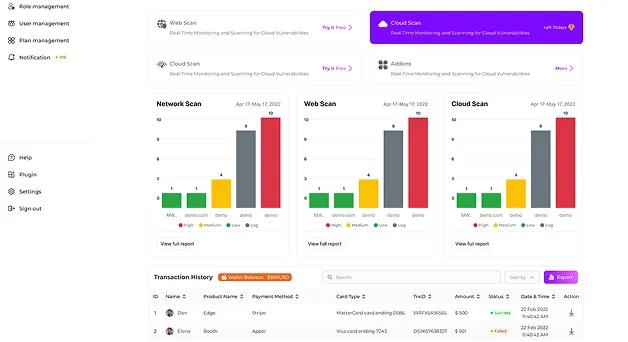
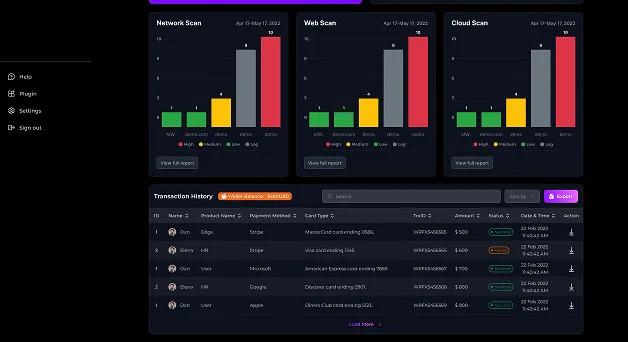
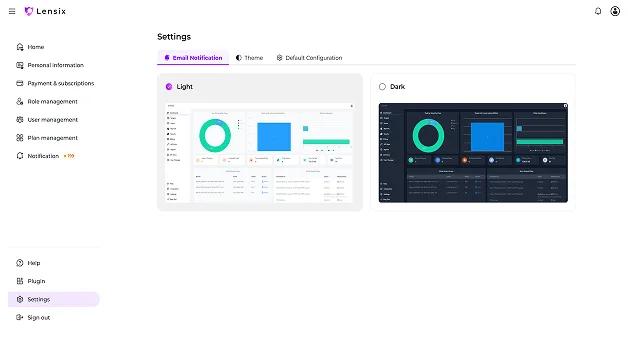
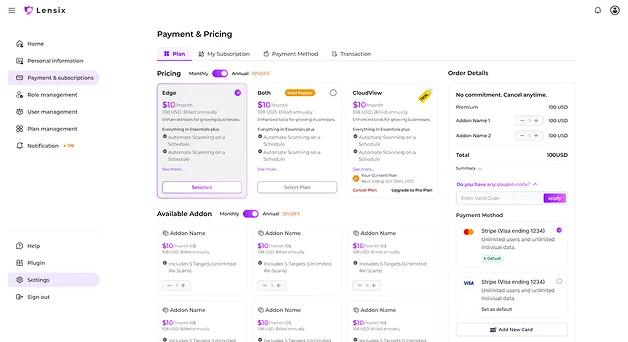
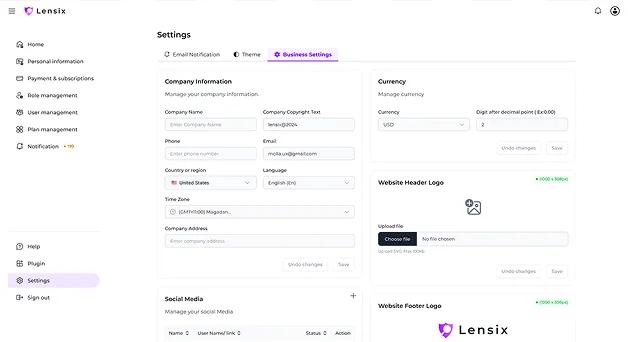
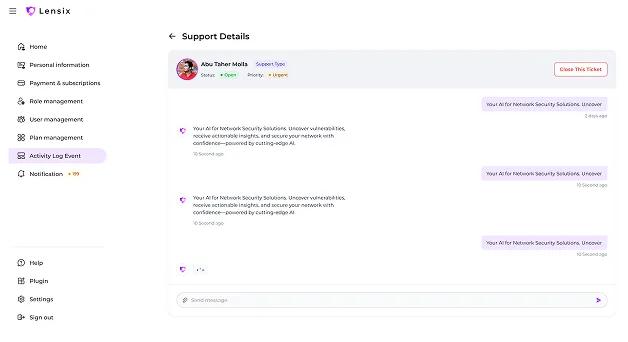
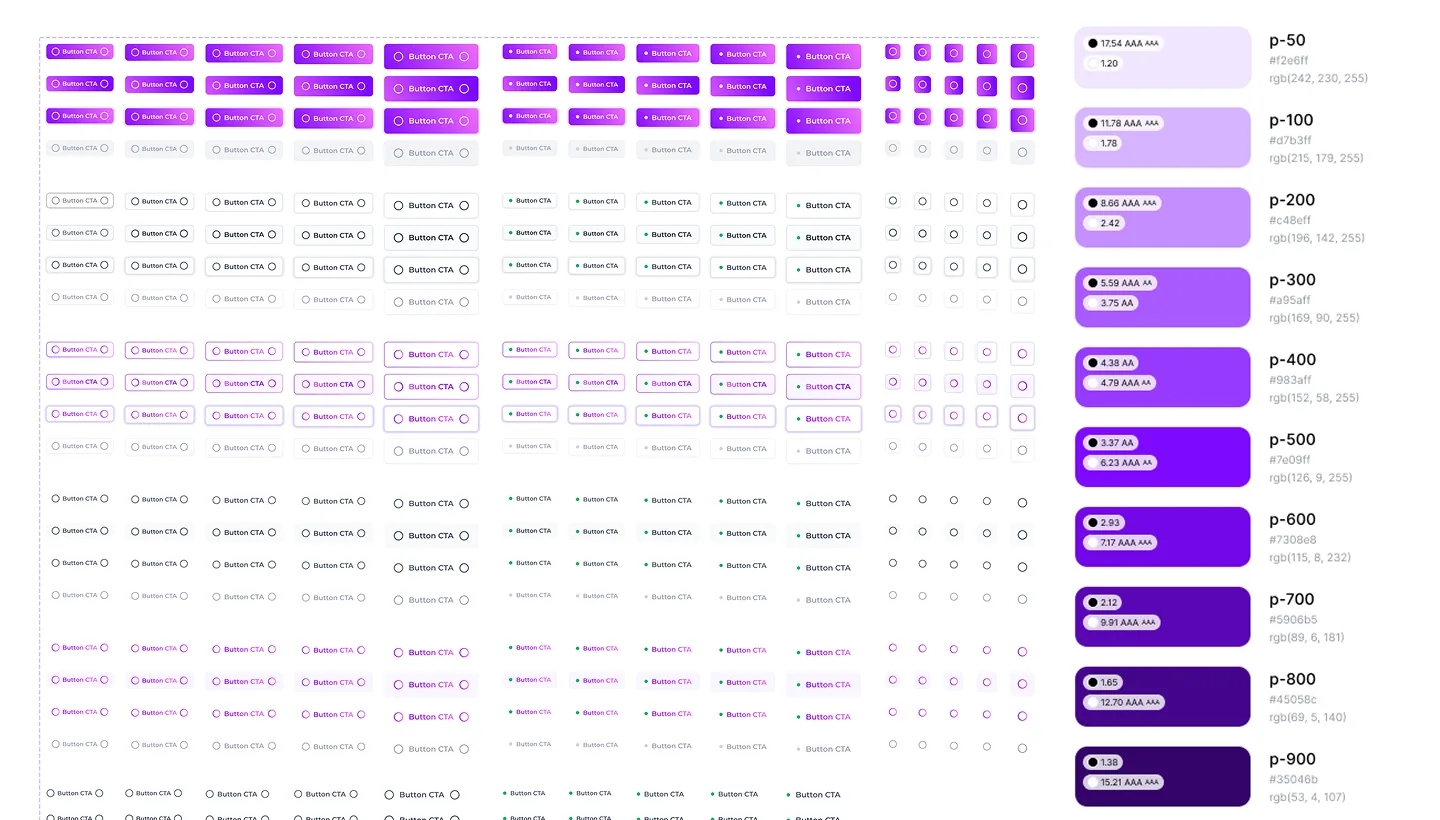
Every interface element—from buttons and forms to tables, charts, and status indicators—was designed using a unified component system that reinforces usability, consistency, and readability throughout the platform.
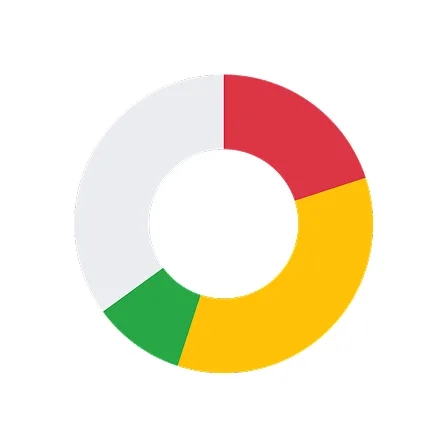
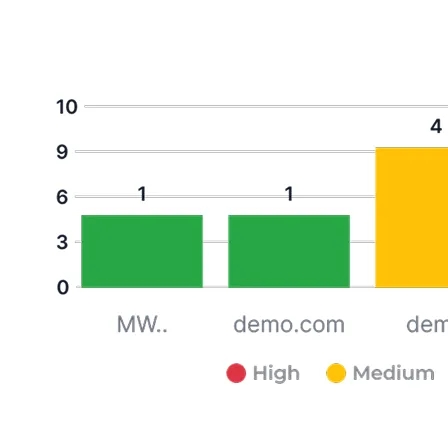
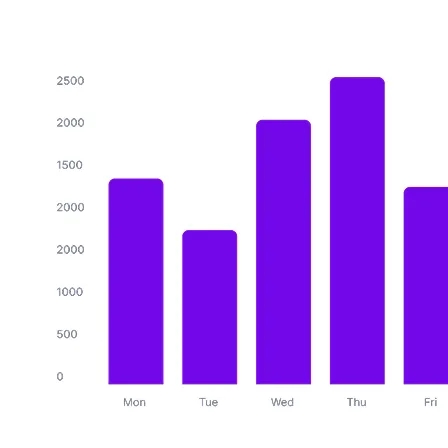
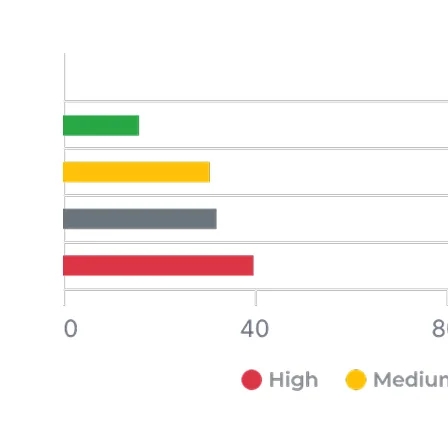
The dashboard reveals all vulnerabilities across every environment—giving security teams a full picture through scanning, prioritization, tracking, and remediation flow at every historical decision point in real time.
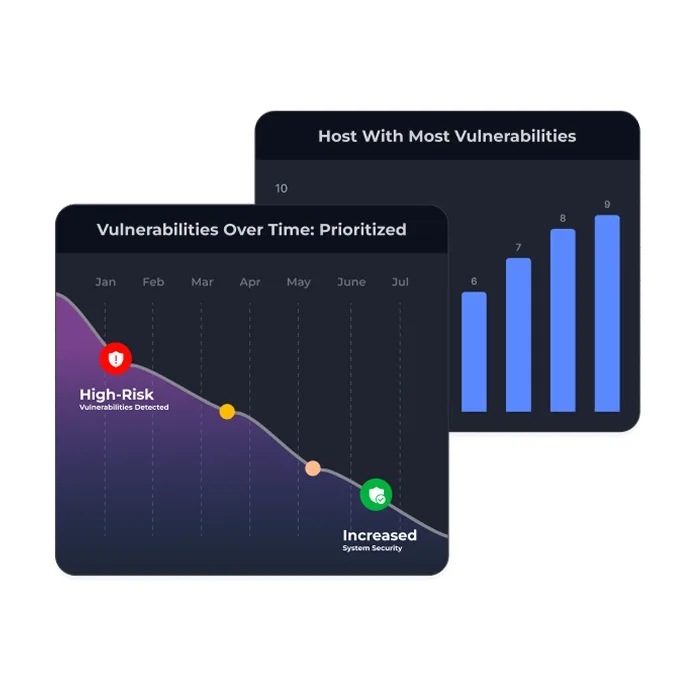


Lensix gives organizations a complete view of their vulnerability landscape, helping teams monitor threats, organize assets, and make informed remediation decisions without switching between disconnected tools.

Lensix gives organizations a complete view of their vulnerability landscape, helping teams monitor threats, organize assets, and make informed remediation decisions without switching between disconnected tools.
By combining thoughtful UX design with enterprise-grade cybersecurity capabilities, Lensix transforms complex vulnerability management into an intuitive, efficient, and scalable experience that helps organizations proactively protect their digital infrastructure.
Our case studies show how Mediusware helps businesses solve complex problems through practical technology, design, and engineering.