- Improve Vue app speed through smarter rendering, lean bundles, and page-level loading choices.
- A clear, repeatable approach to keep Vue performance stable as features and teams grow.
Vue Performance Optimization: A Practical Guide
Published on: 27 February 2026
Last updated on: 11 June 2026
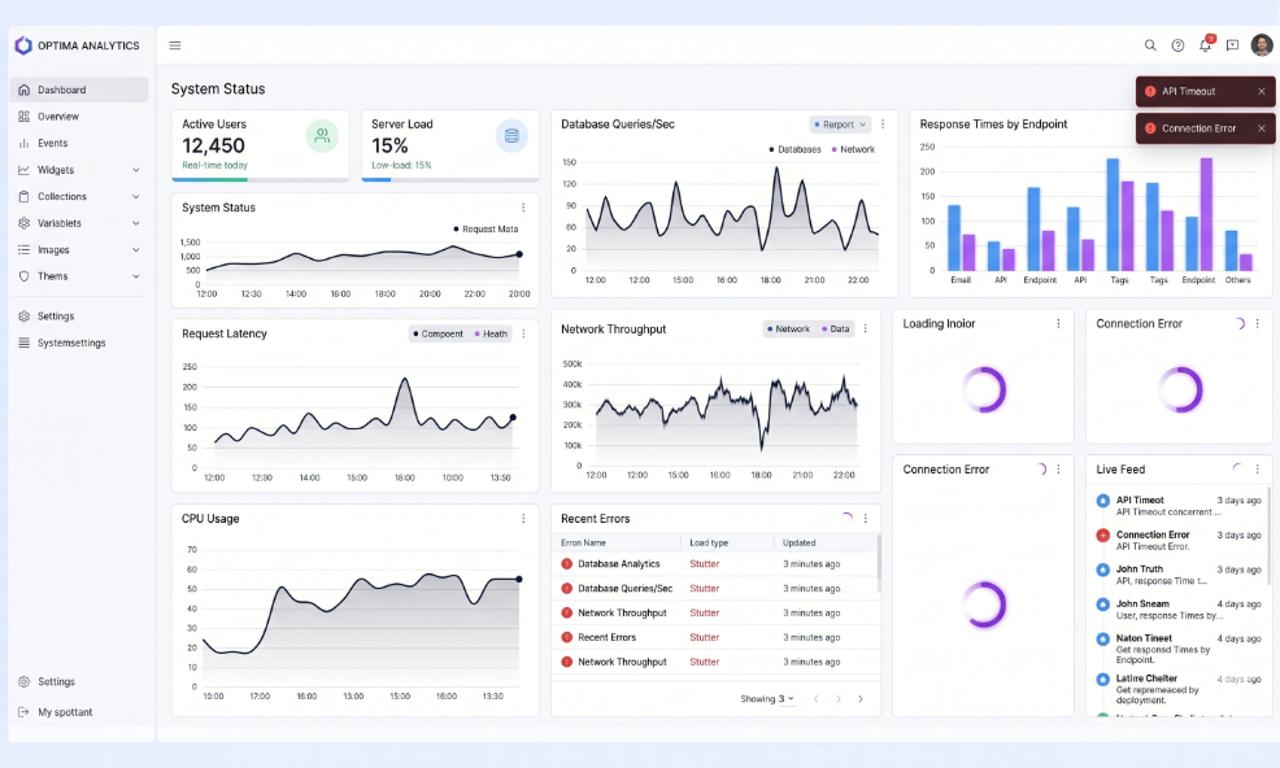
Most Vue apps don’t break.
They slow down quietly.
At first, everything feels smooth. Then features stack up, bundles grow, and suddenly your dashboard lags, pages load slower, and users start noticing.
Here’s the uncomfortable truth:
Vue isn’t the problem. Your decisions are.
And the longer you ignore them, the harder performance becomes to fix.
Why Vue Apps Slow Down Over Time
It rarely happens because of one mistake.
It happens because small decisions compound.
Common patterns we see:
- Shipping too much JavaScript to every page
- Components handling more logic than they should
- Rendering strategy never revisited after launch
- No clear ownership for performance
What this really means:
Performance doesn’t fail. It drifts.
According to Addy Osmani (Google),
Web performance is not a one-time optimization, it’s a continuous discipline.
Start With Real User Data
Before touching code, measure reality.
Focus on what users actually feel:
- First Contentful Paint (FCP)
- Interaction delay (clicks, typing)
- Route transition speed
- Bundle size per route
Use tools like:
Rule:
If you can’t explain where the slowdown happens, you’re guessing.
Choose the Right Rendering Strategy Per Page
Not every page should behave the same.
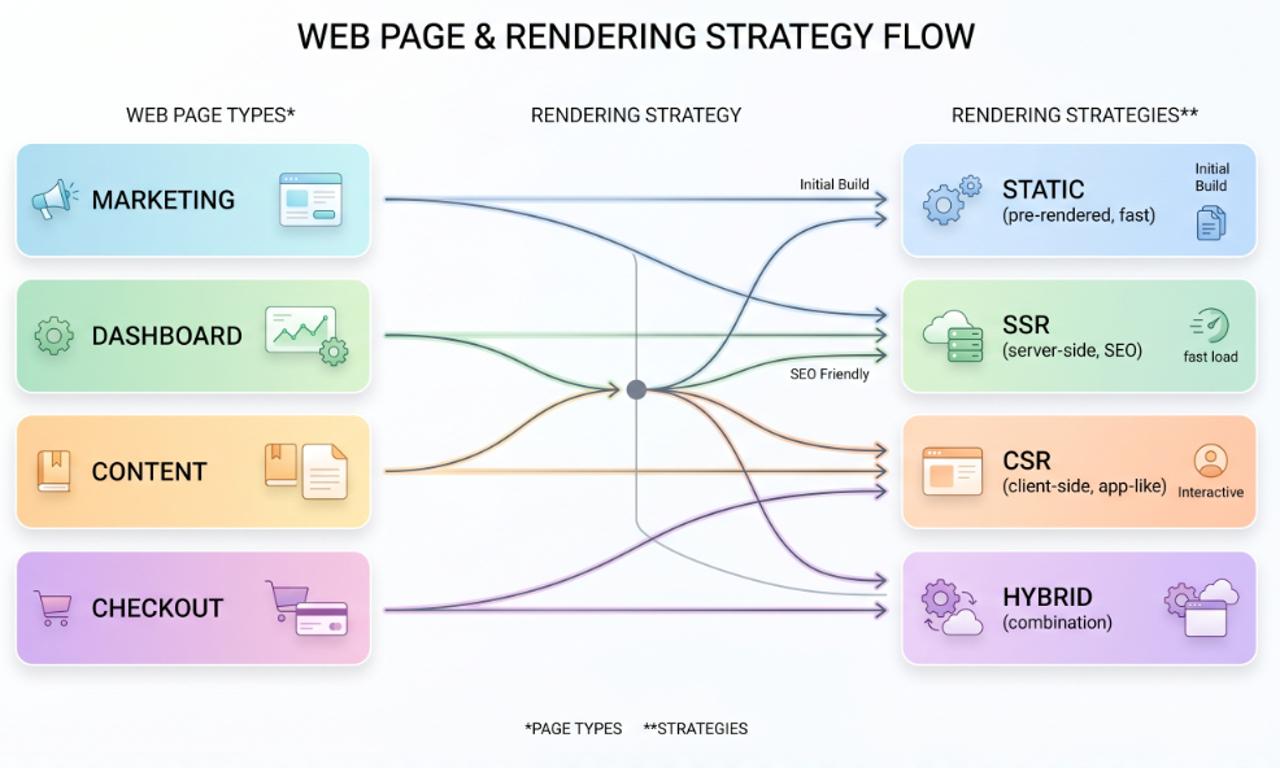
Here’s the practical breakdown:
| Page Type | Best Strategy | Why It Works |
| Marketing Pages | Static / Pre-rendered | Fast load, predictable content |
| Content Pages | Server-side rendering (SSR) | Better SEO + faster first paint |
| Dashboards | Client-side + Lazy loading | Heavy interaction after load |
| Checkout Flows | Hybrid (SSR + CSR) | Balance speed and stability |
One wrong decision here can slow your entire app.
Reduce What Vue Has to Render
Vue is fast.
But rendering still costs time.
Common mistakes:
- Rendering large lists at once
- Deep reactivity everywhere
- Watchers firing unnecessarily
Practical fixes:
- Use virtualization for long lists
- Break large components into smaller ones
- Avoid unnecessary computed properties
- Keep reactivity shallow when possible
If something doesn’t need to react, don’t make it reactive.
Control Your Bundle Size Before It Controls You
Large bundles silently kill performance.
What usually causes it:
- Importing entire UI libraries
- Heavy third-party scripts loaded globally
- Shared components pulling unused dependencies
What works immediately:
- Route-level code splitting
- Lazy load charts, editors, maps
- Remove unused dependencies
- Audit packages quarterly
Simple rule:
If 10% of users need it, don’t load it for 100%.

Make Performance a Team Habit
This is where most teams fail.
Performance is not a task. It’s a system.
Strong teams:
- Set performance budgets per route
- Review bundle size in PRs
- Monitor performance after releases
- Assign clear ownership
We’ve seen this across platforms like CELT English, where structured frontend architecture using Vue helped maintain performance even as features scaled.
When ownership is clear, performance stays stable.
Use Simple Dashboards That Everyone Understands
You don’t need complex graphs.
You need clarity.
Your dashboard should answer:
- Which pages are slow?
- What changed recently?
- Is performance improving or degrading?
When product and engineering see the same data, decisions get faster.
Catch Performance Issues Before Users Do
Most regressions happen after releases.
Prevent them with:
- CI performance checks
- Bundle size alerts
- Route-level monitoring
- Fast rollback process
The goal isn’t perfection.
It’s early detection.
A Practical 60–90 Day Vue Optimization Plan
No rewrite needed.
Just structured execution:
- Measure real user performance
- Identify top 3 slow routes
- Fix rendering + bundle issues
- Add performance guardrails
- Repeat for next routes
Small wins compound fast.
Final Thought
Vue performance doesn’t break overnight.
It drifts when:
- Rendering strategies stay outdated
- Bundles grow quietly
- No one owns performance
The teams that win don’t optimize once.
They build systems that keep apps fast.
That’s the difference.
Frequently Asked Questions
It’s the process of improving load speed, rendering efficiency, and responsiveness in a Vue app.

We are the Mediusware Editorial Team, passionate about crafting insightful content on technology, software development, and industry trends. Our mission is to inform, inspire, and engage our audience with well-researched articles and thought leadership pieces. With a deep understanding of the tech landscape, we aim to be a trusted source of knowledge for professionals and enthusiasts alike.
Featureblogs
Relatedblogs
01
7 Ways to Ensure Data Security When Outsourcing Software Development02
How to Create a Stunning WordPress Website in 2024: Step-by-Step Tutorial03
How Mediusware Empowered Protesters, Strengthened the Economy & Showcased Employee Resilience in the 2024 Movement04
Mastering Error Handling in Rust with Essential Techniques05
Best Practices for Writing Clean Code